> ## Documentation Index
> Fetch the complete documentation index at: https://docs.lt.cryptoprocessing.com/llms.txt
> Use this file to discover all available pages before exploring further.
# Contacts for crypto withdrawals
When making a [crypto withdrawal](/withdrawals) using the merchant dashboard, you can use previously saved recipient addresses instead of pasting them again. The saved addresses are available from the withdrawal form or from the dedicated tab **Addresses → Contacts**.
For cryptocurrencies with a [tag field](/deposits/tags), the tag is stored in the contact, too.
Each contact must have a unique name.
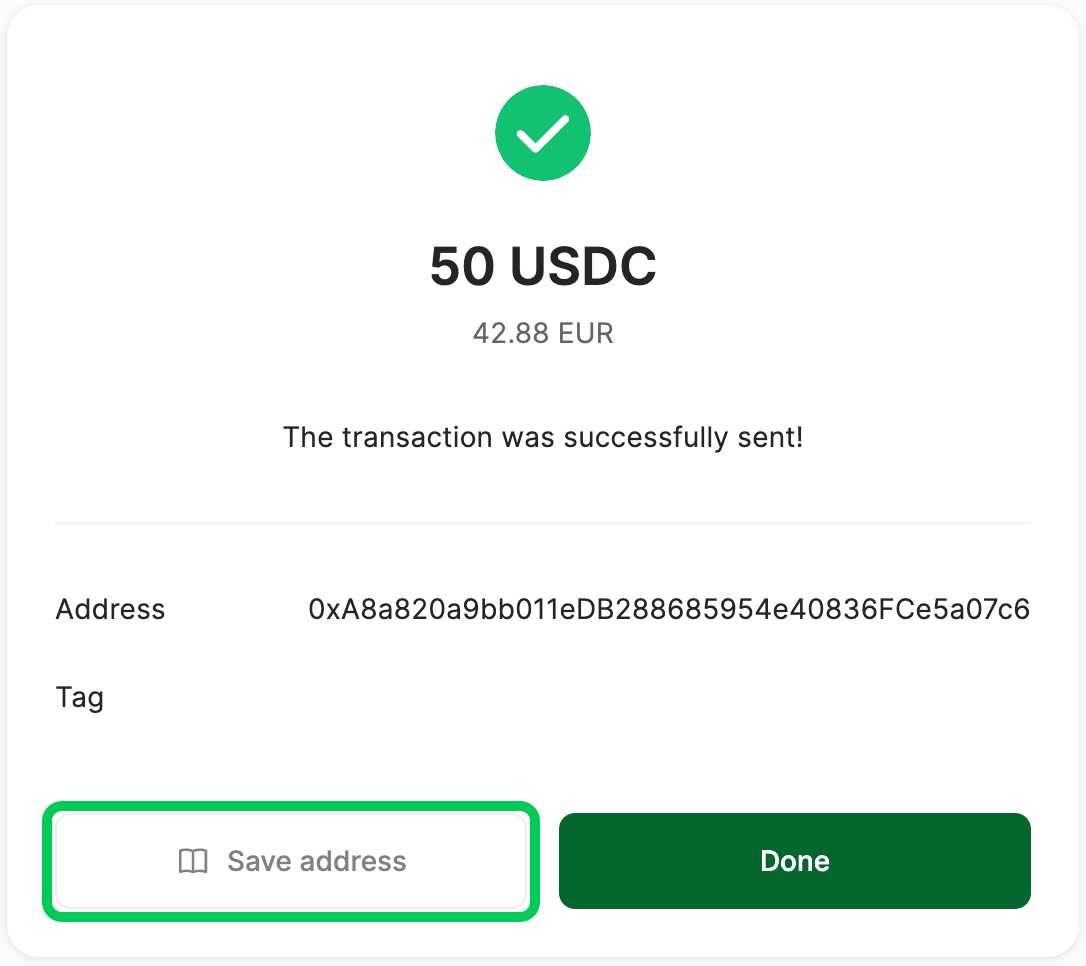
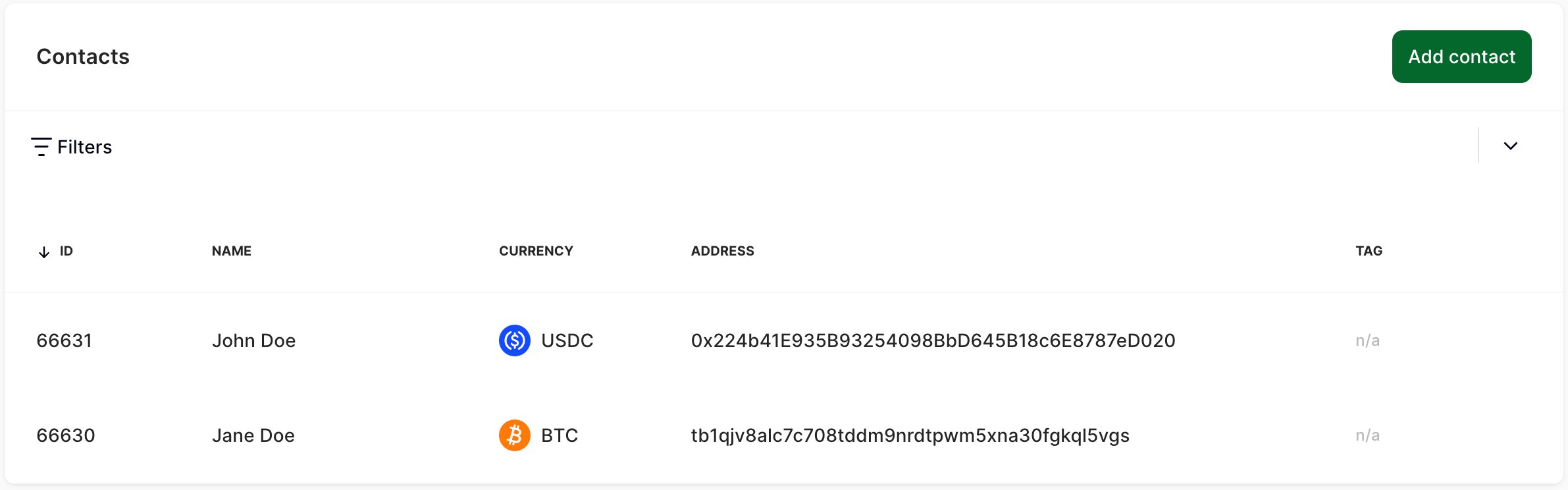 To save a new address, go to **Addresses → Contacts** and click **Add contact**. Alternatively, after you made a withdrawal to a new address, click **Save address** on the withdrawal screen.
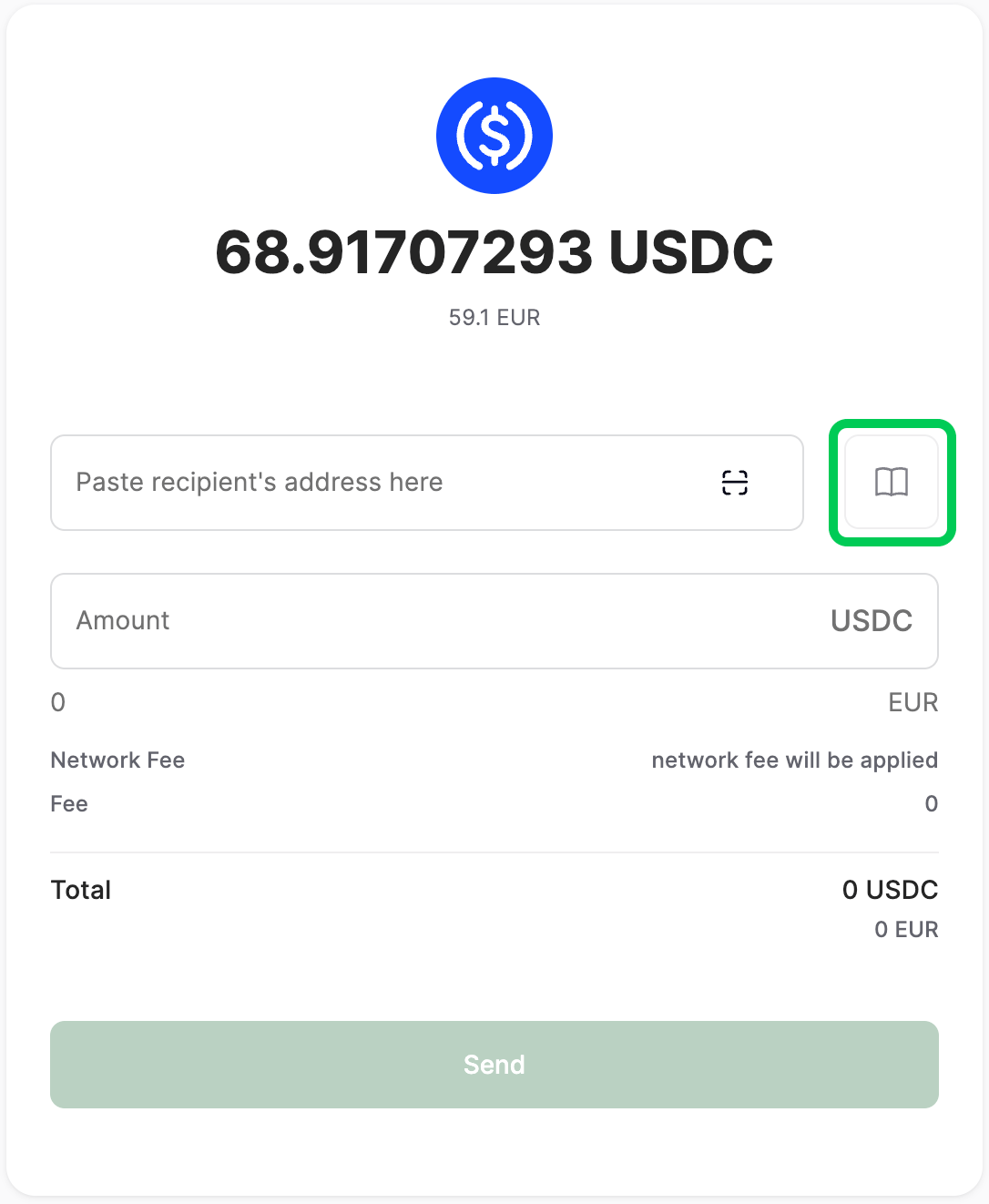
To send cryptocurrency to a saved address, select it in **Addresses → Contacts** and click **Send**. Alternatively, select a cryptocurrency on the **Balances** tab, click **Send**, then click the book icon and select the contact.
To save a new address, go to **Addresses → Contacts** and click **Add contact**. Alternatively, after you made a withdrawal to a new address, click **Save address** on the withdrawal screen.
To send cryptocurrency to a saved address, select it in **Addresses → Contacts** and click **Send**. Alternatively, select a cryptocurrency on the **Balances** tab, click **Send**, then click the book icon and select the contact.